Scene choice
Interesting moments instead of starts and stops.
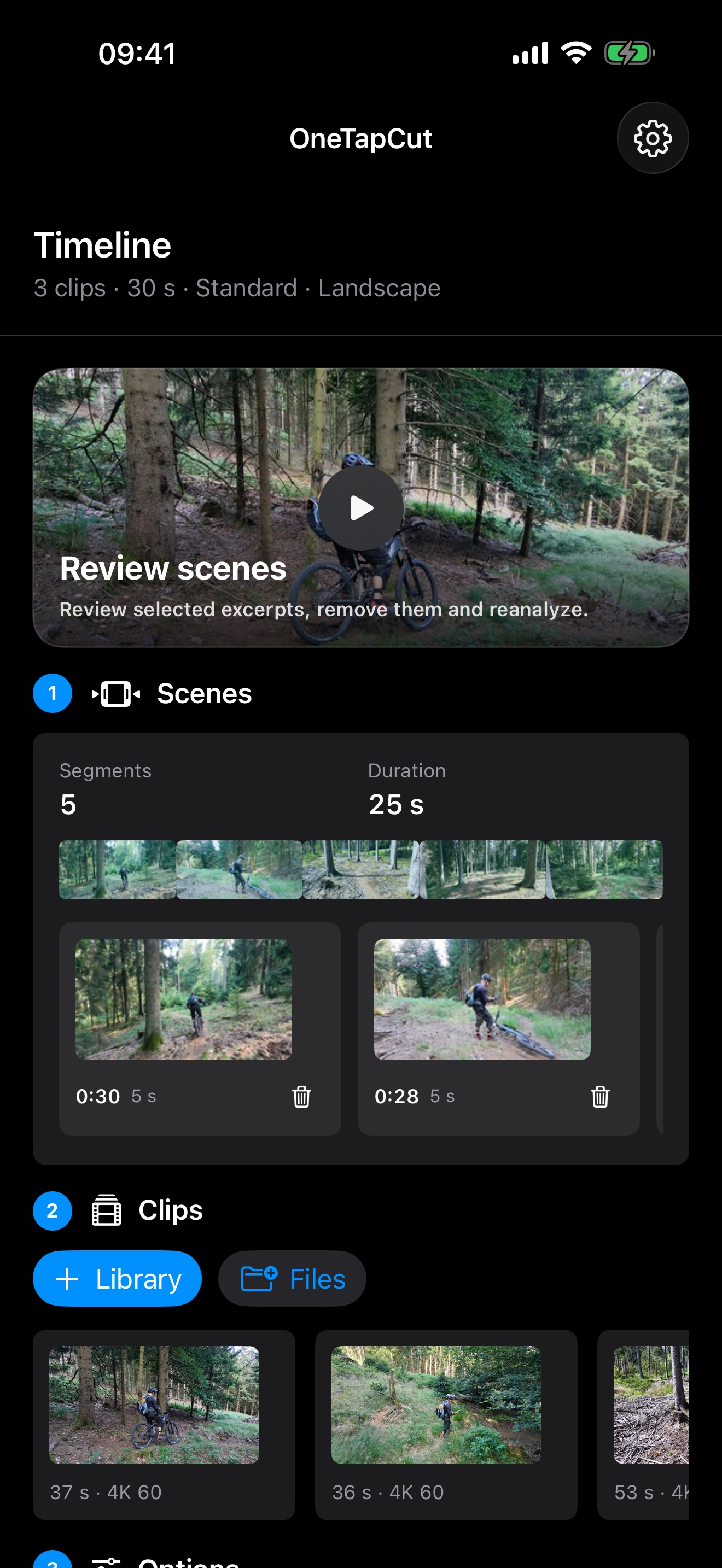
OneTapCut scores motion, image quality, subjects and visual variety. Takeoff and landing phases are detected and excluded from the selection.
 OneTapCut
OneTapCut
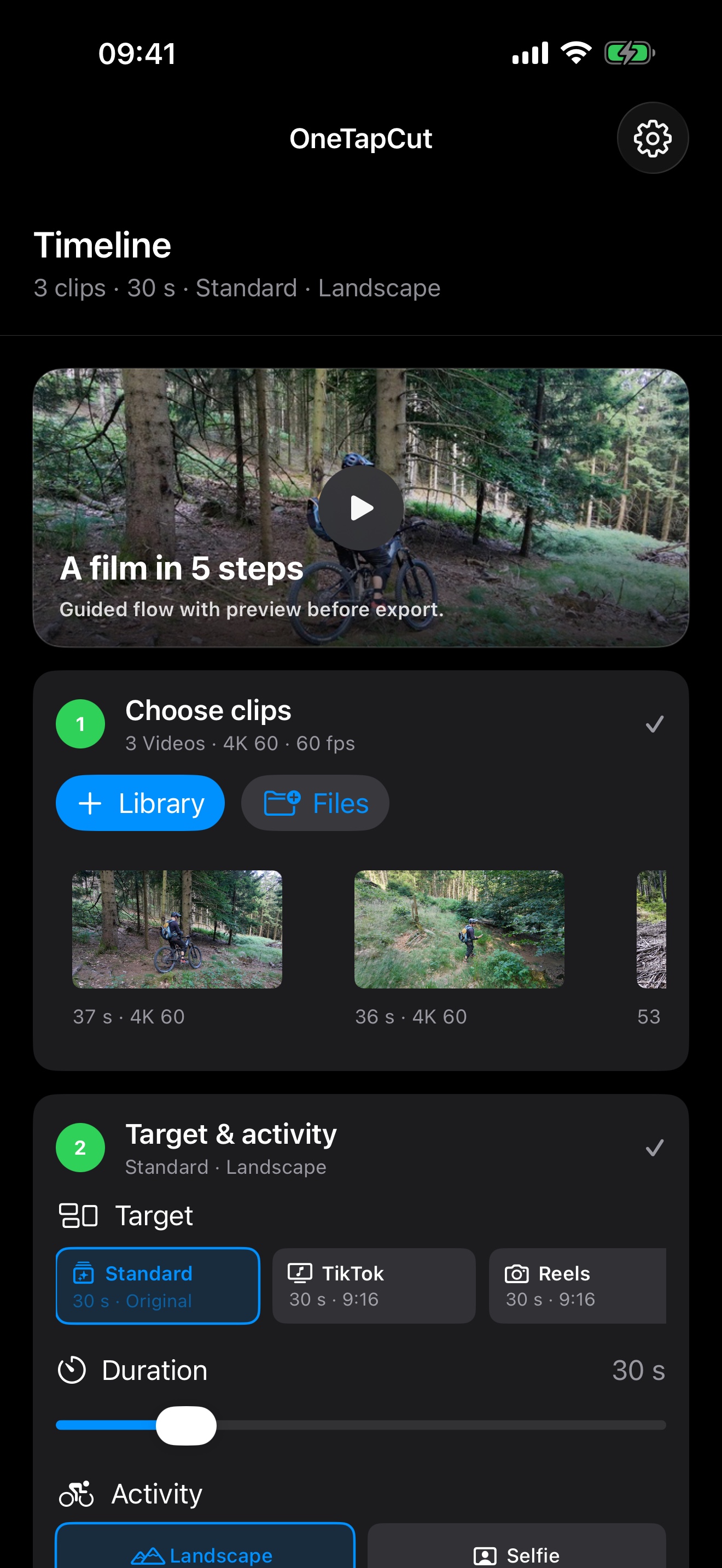
Choose clips, target and style. OneTapCut finds strong scenes, removes typical takeoff and landing moments and exports from the original footage.
Scene choice
OneTapCut scores motion, image quality, subjects and visual variety. Takeoff and landing phases are detected and excluded from the selection.
Activity
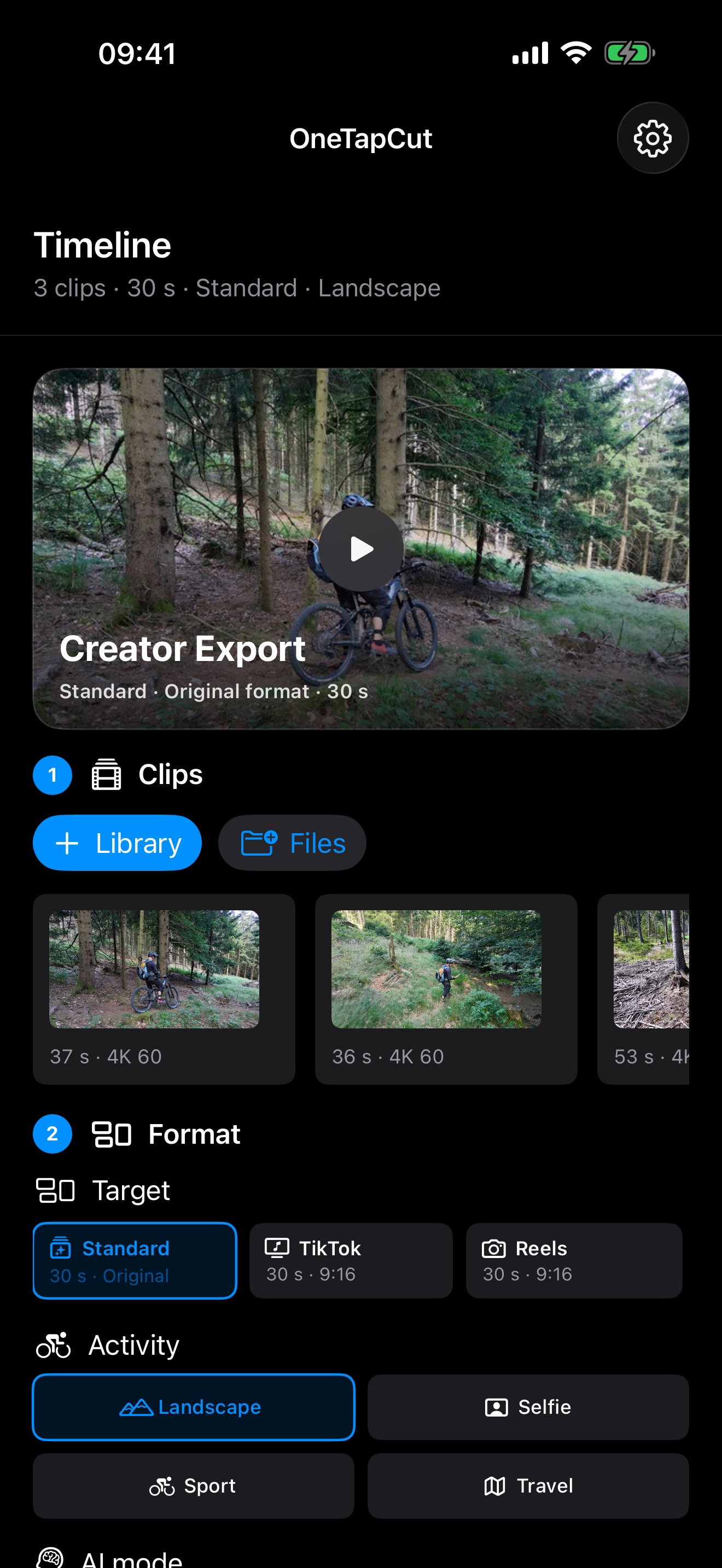
Activities control whether calm landscapes, dynamic action or people in beautiful surroundings are preferred.
Music
Music can be chosen automatically for the project or manually.
Editor
Switch the editor style to match your workflow. Every variant supports light, dark and system appearance.
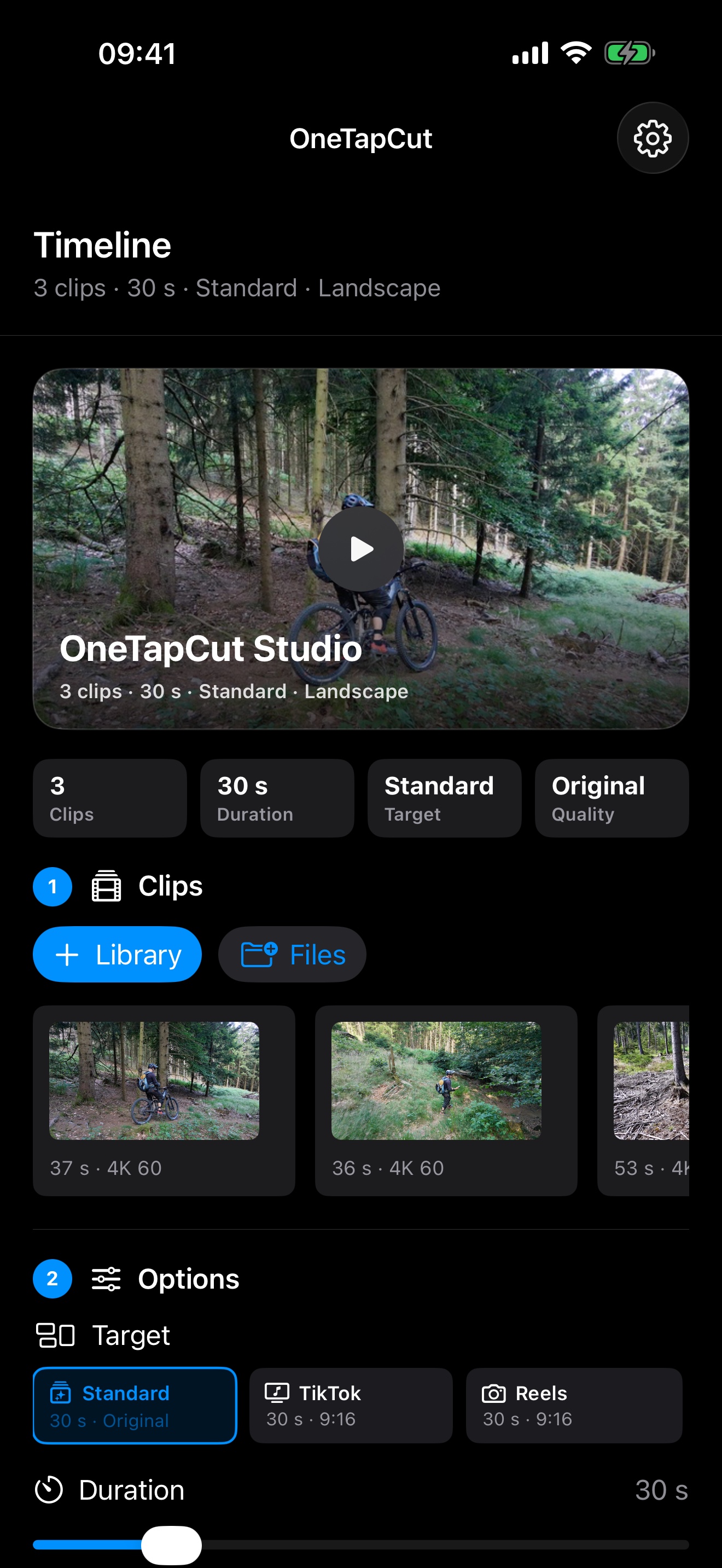
Choose clips and target.
Guided workflow in five steps.
Formats for Reels, TikTok and Shorts.
Review and adjust scenes.
Screenshots
The app screenshots come from the iPhone simulator with local 4K test clips. Each language page uses screenshots in the same app language.
Video
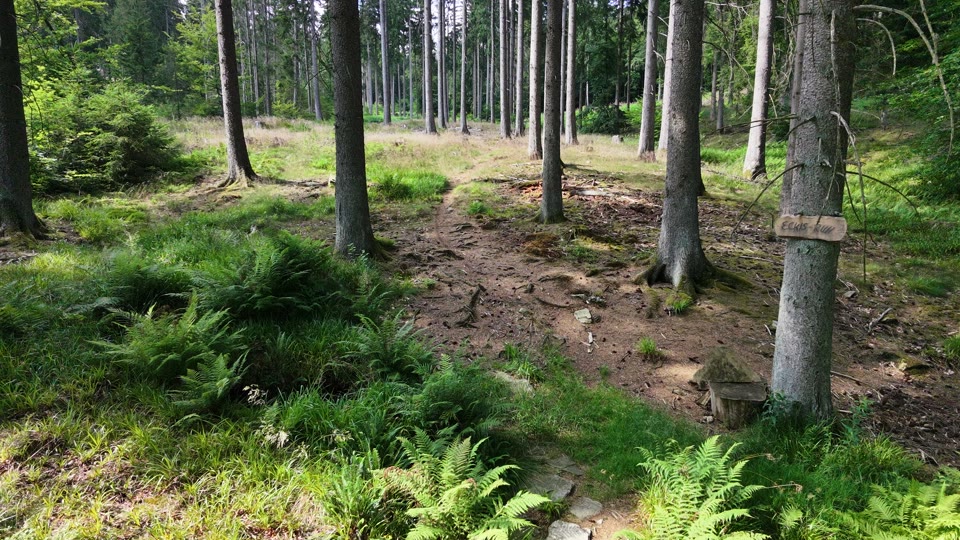
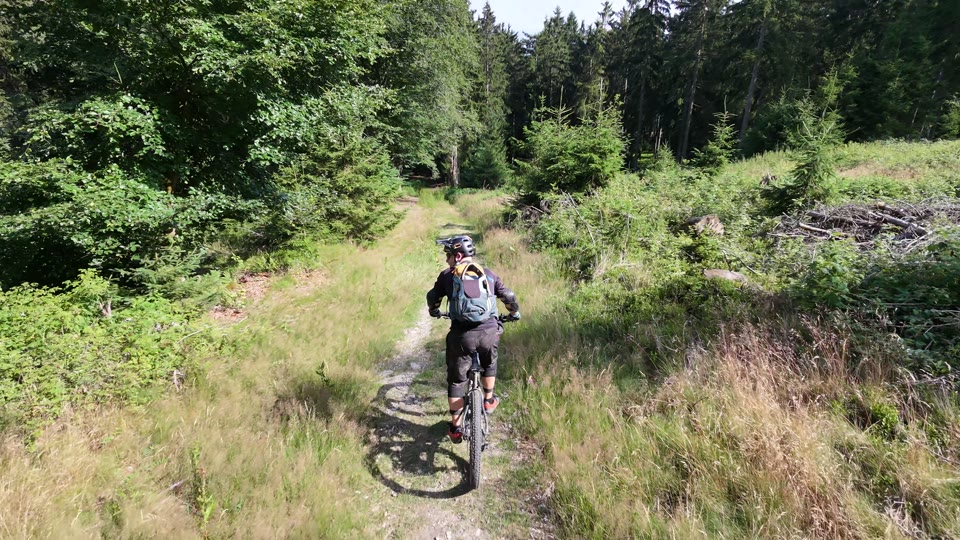
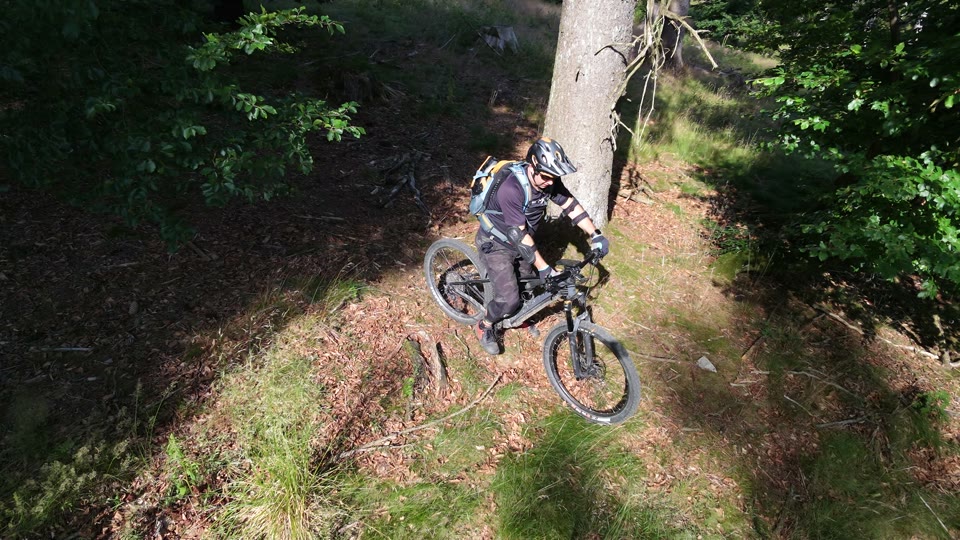
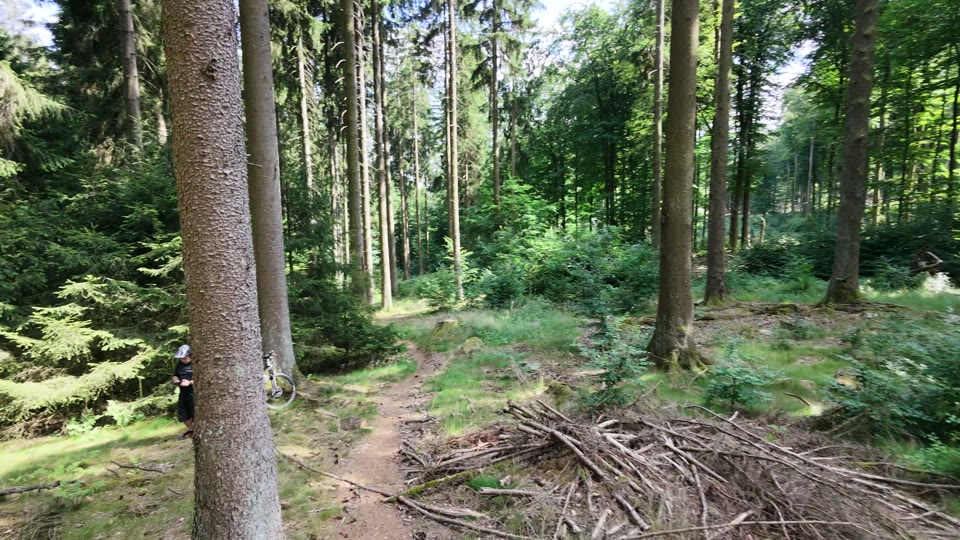
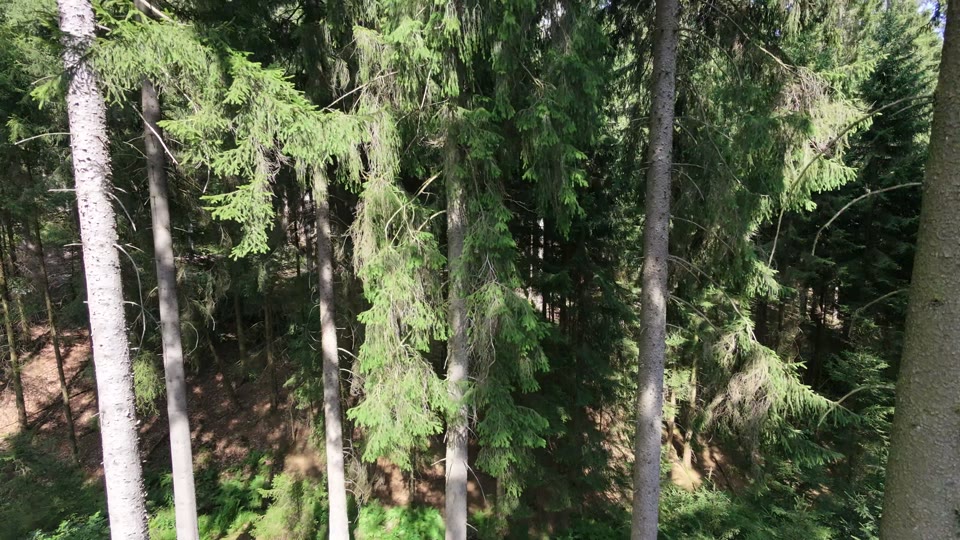
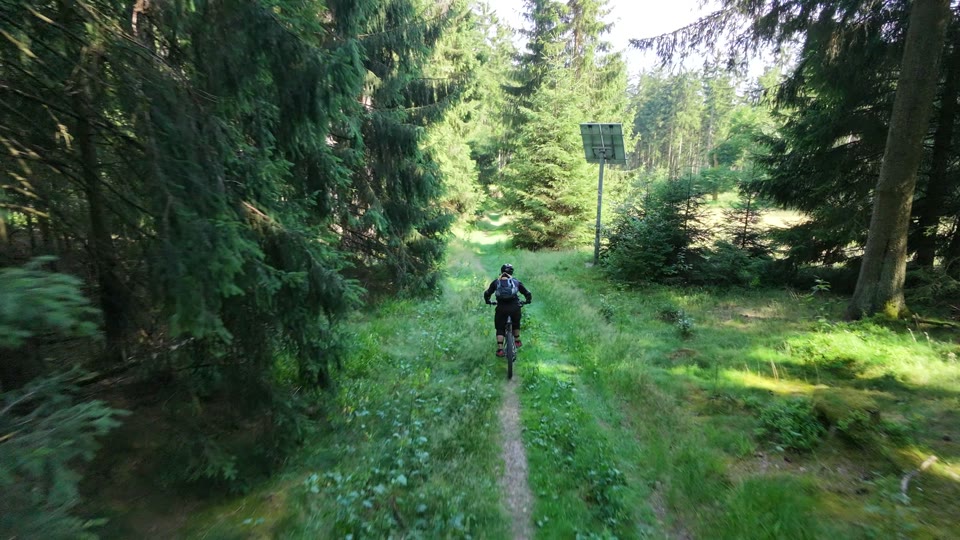
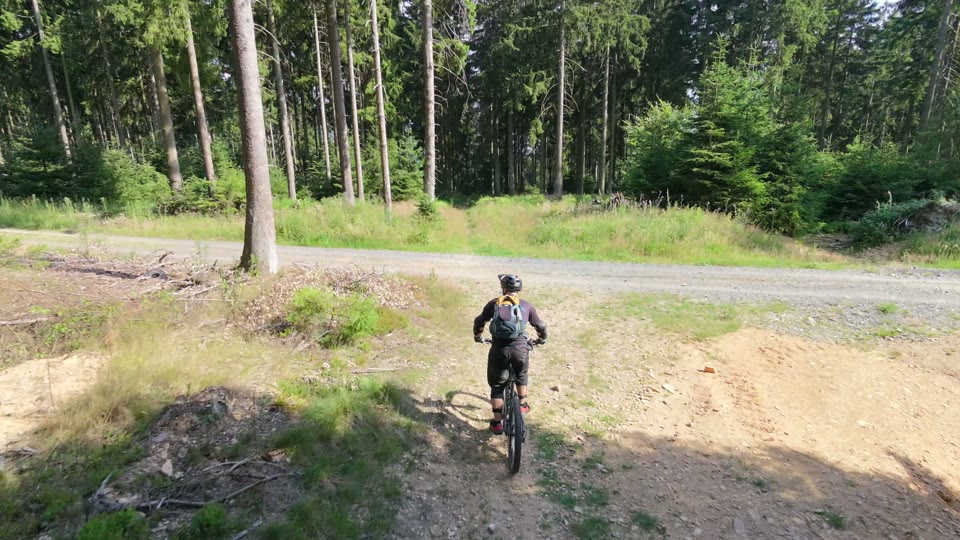
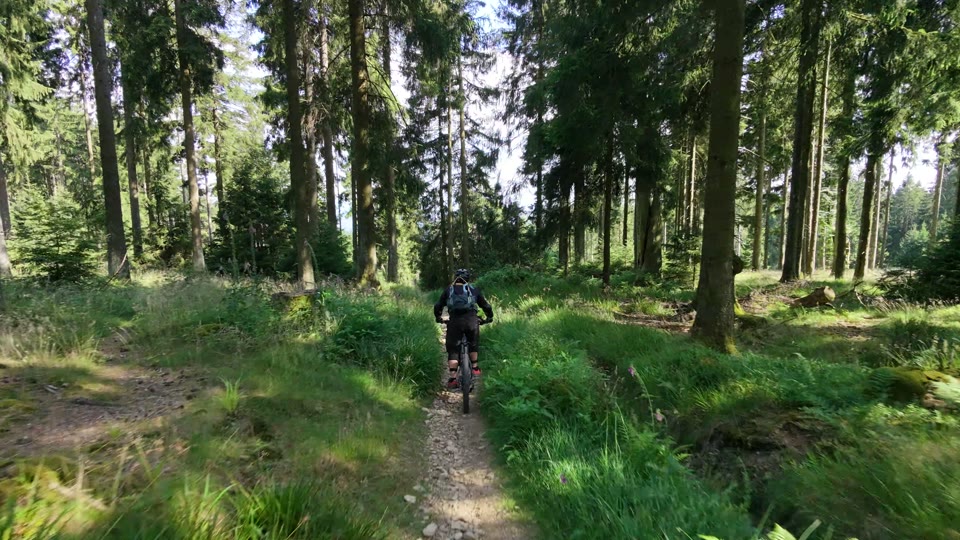
The excerpts show real frames from several local test videos so the page does not repeat the same scene.
Quality
OneTapCut uses reduced proxy frames for analysis. The final edit returns to the original videos to preserve frame rate, resolution and bitrate as much as possible.
Premium AI
Local analysis is always available. Premium AI can review selected scenes and helps with difficult activities, selfie shots and long projects.
Learn moreOptions
Local editing is available directly in the app. AI scoring is optional and can be enabled for additional scene evaluation. Store information is shown in the app.
Local analysis, timeline, music and export without cloud AI.
Premium AI evaluates reduced video data
For large projects and frequent AI analyses
Joshua Tree Labs